Works on Mac
Designed for a native macOS experience.
B Safe helps you collect private documents, media archives and work files in one refined Mac app, seal them into vaults and reopen them when needed.
Stage files, seal them, open them and recover interrupted work when needed.
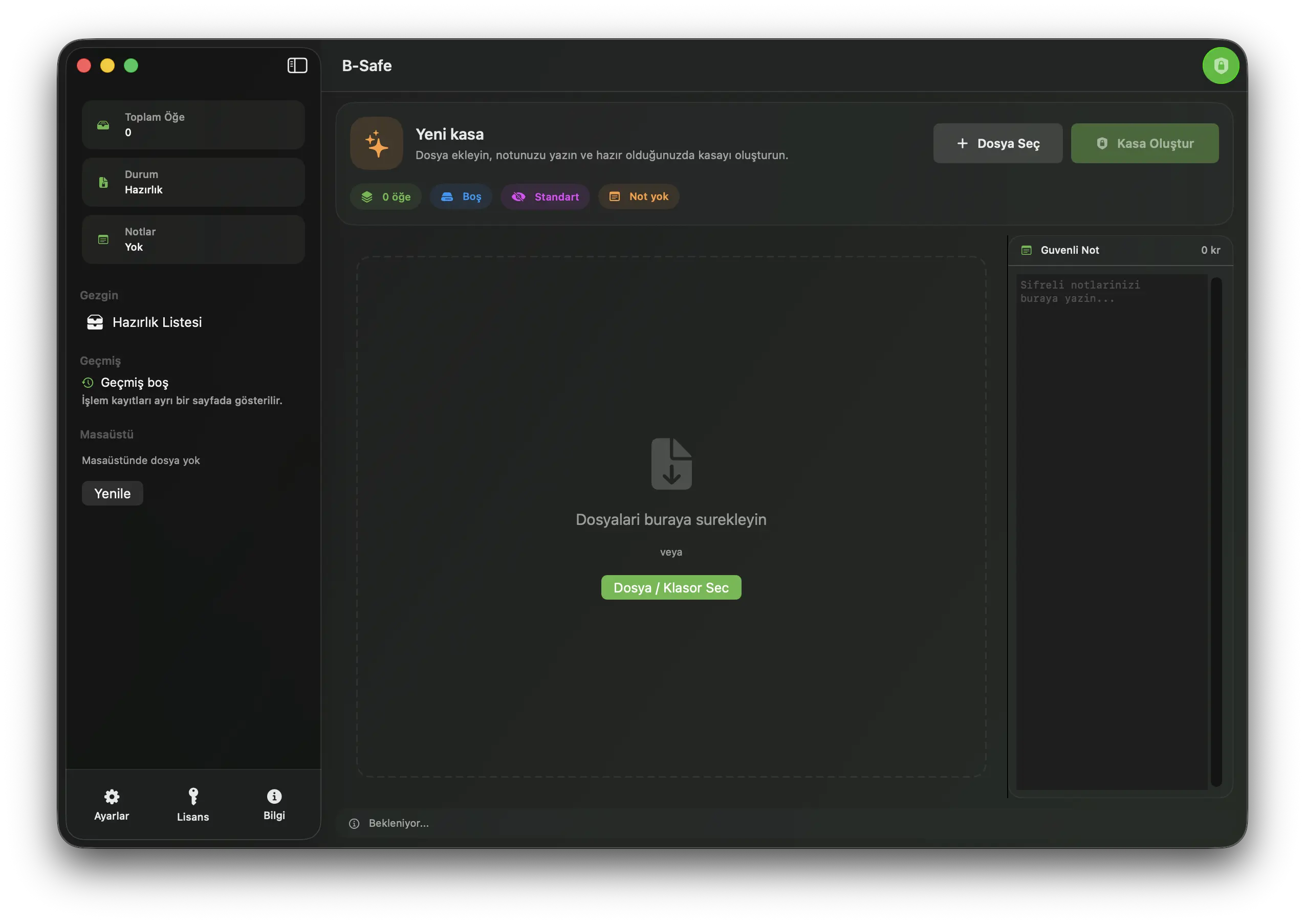
Designed for a native macOS experience.
Documents, media and private notes stay in one clear workflow.
Makes hidden file information easier to notice.
B Safe keeps history, recovery, health checks and metadata decisions in the same product flow, making sensitive file work easier to understand.
Created, opened and checked vaults are shown as a clearer activity record.
The final check reads like a clear health summary instead of a raw technical log.
Interrupted work is not lost; retry and return-to-file actions remain available.
Invisible information inside files becomes easier to spot before sharing.
B Safe is designed for Mac users who want sensitive files to feel organized without turning the app into a technical tool.
Signed PDFs, invoices, reports and personal paperwork can live in one controlled vault.
Deliverables, briefs, proposals and team notes are easier to package and revisit.
A safer staging area for users who want to review metadata before sharing.
ID copies, backup notes and rarely opened sensitive files get a dedicated place on the Mac.
Vault creation, history, metadata review and controlled preview screens together.
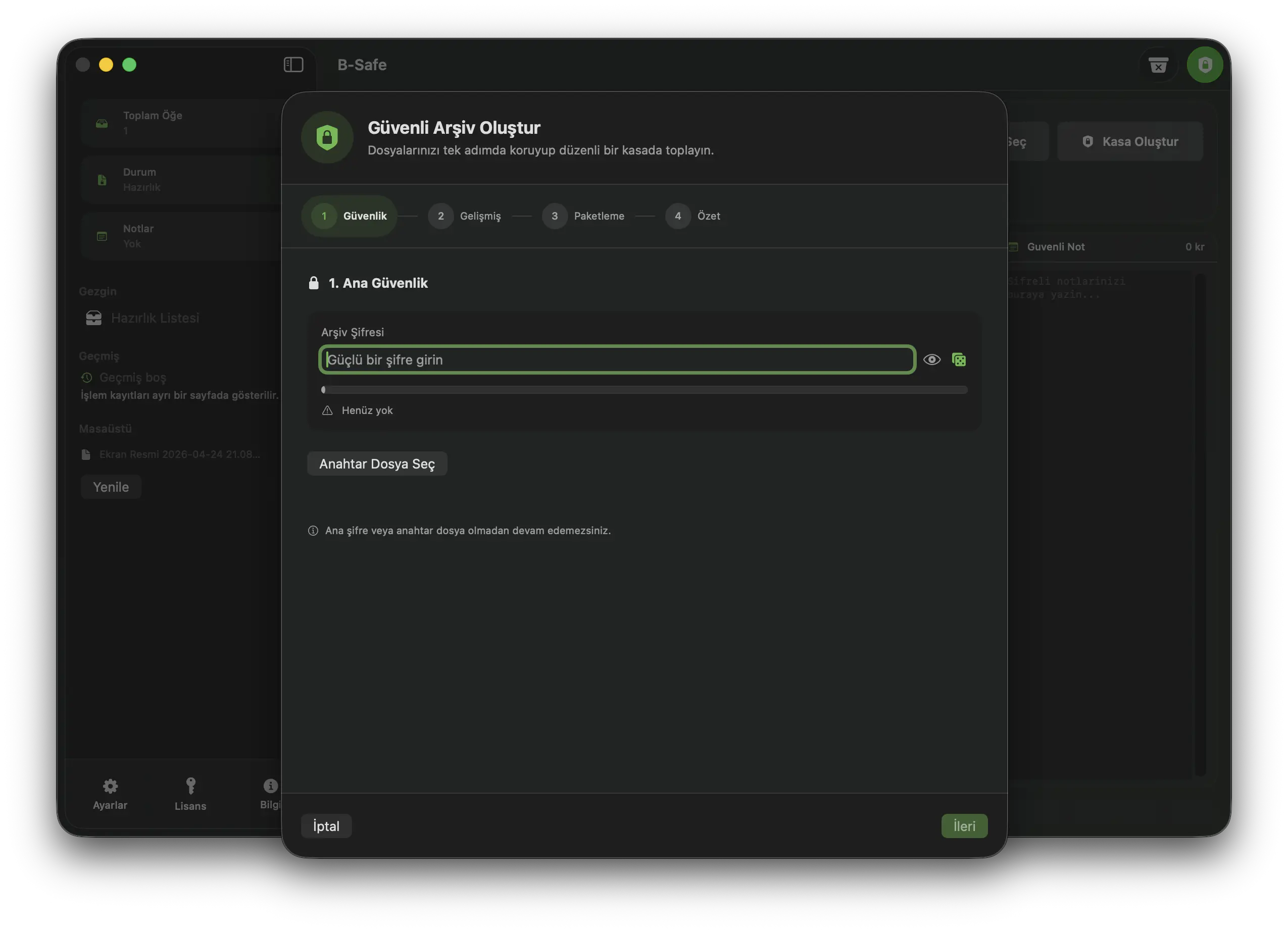
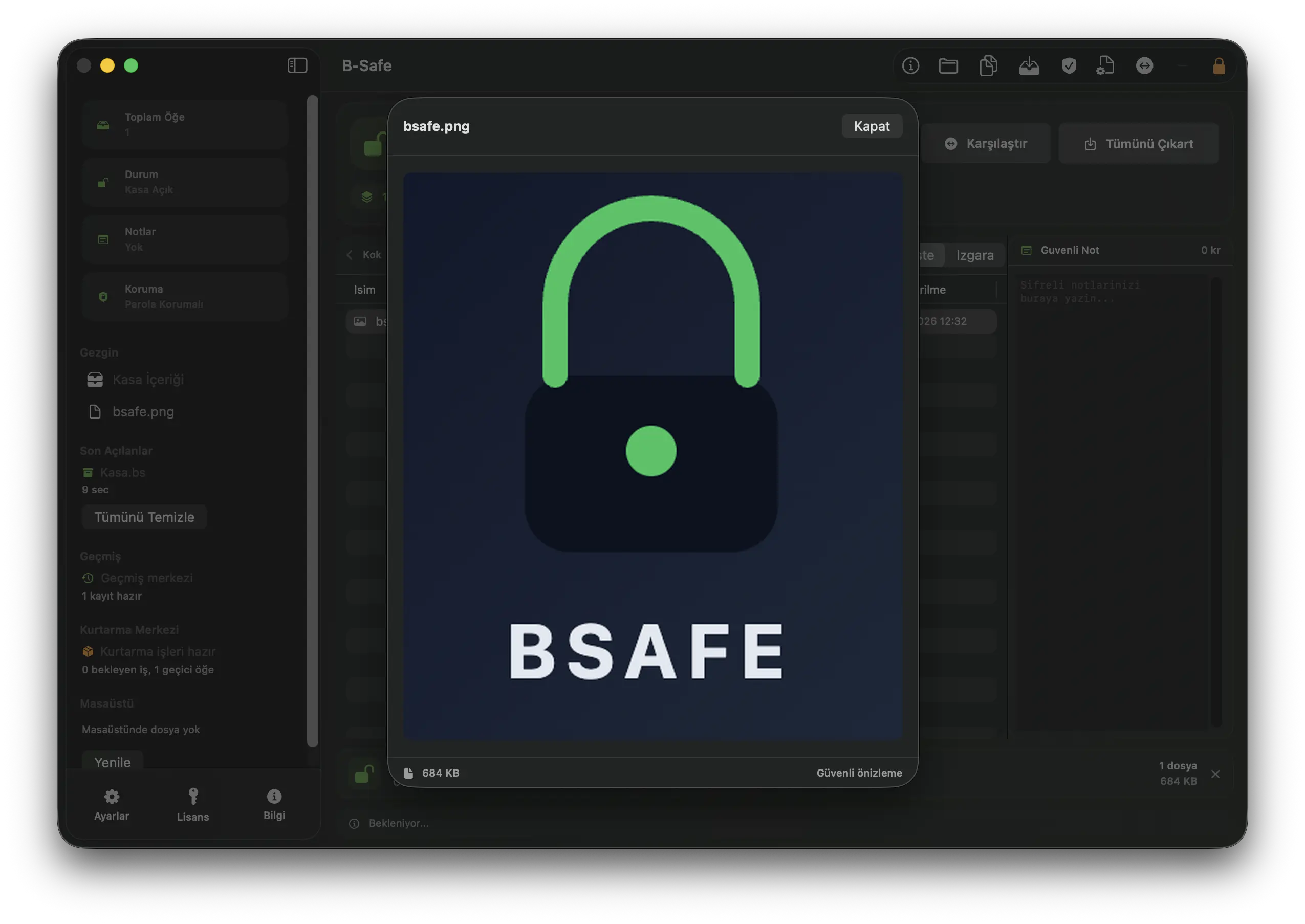
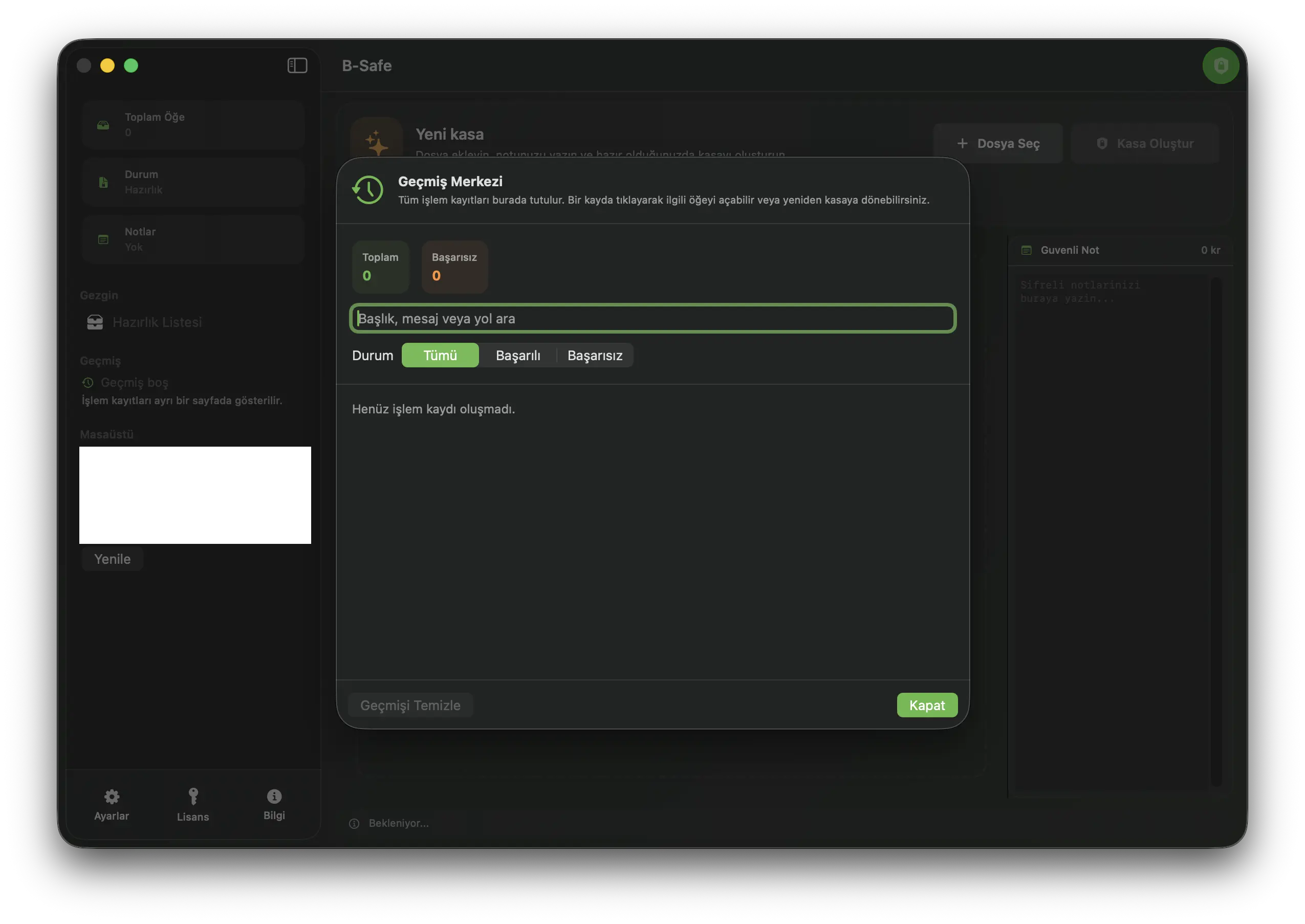
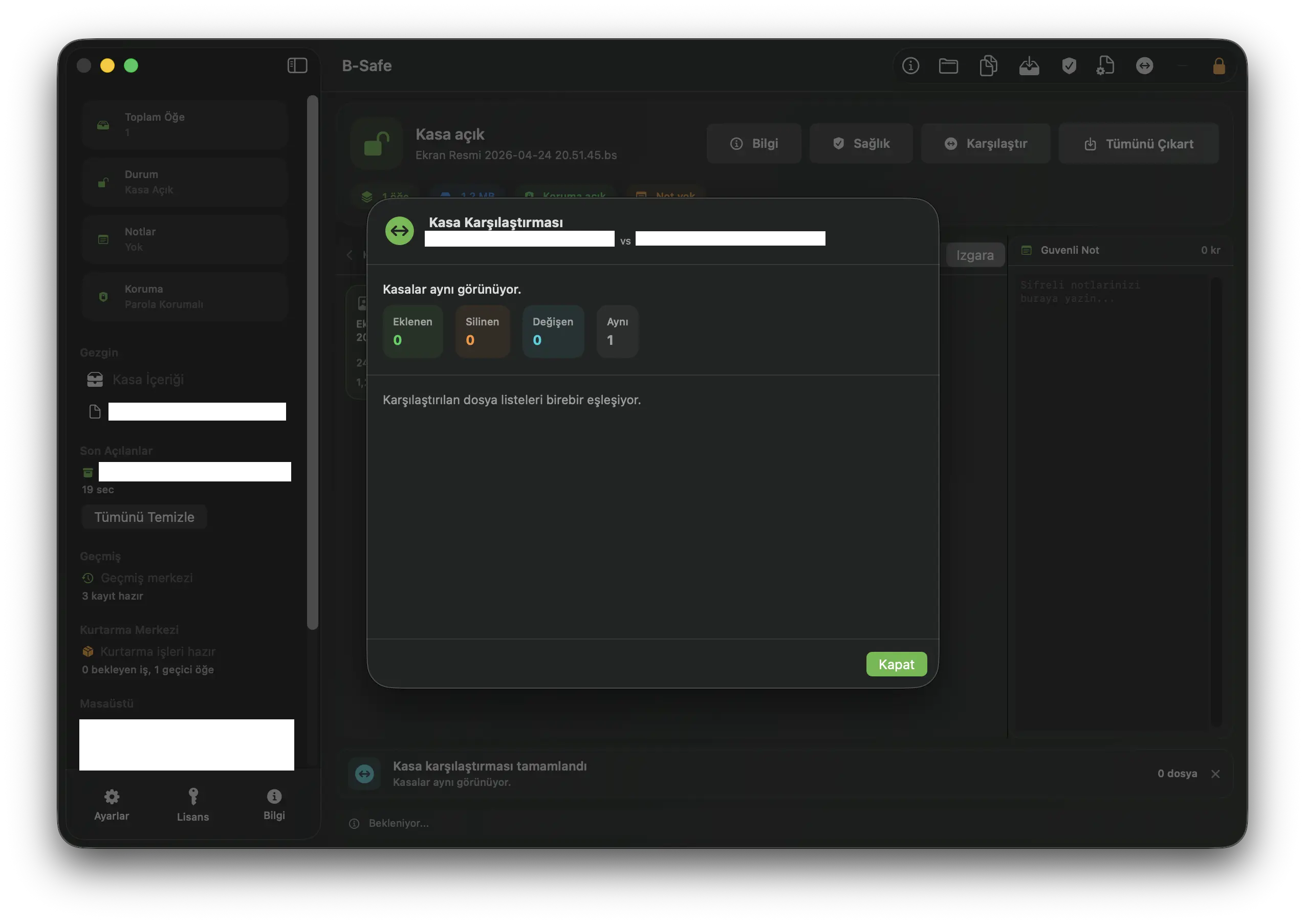
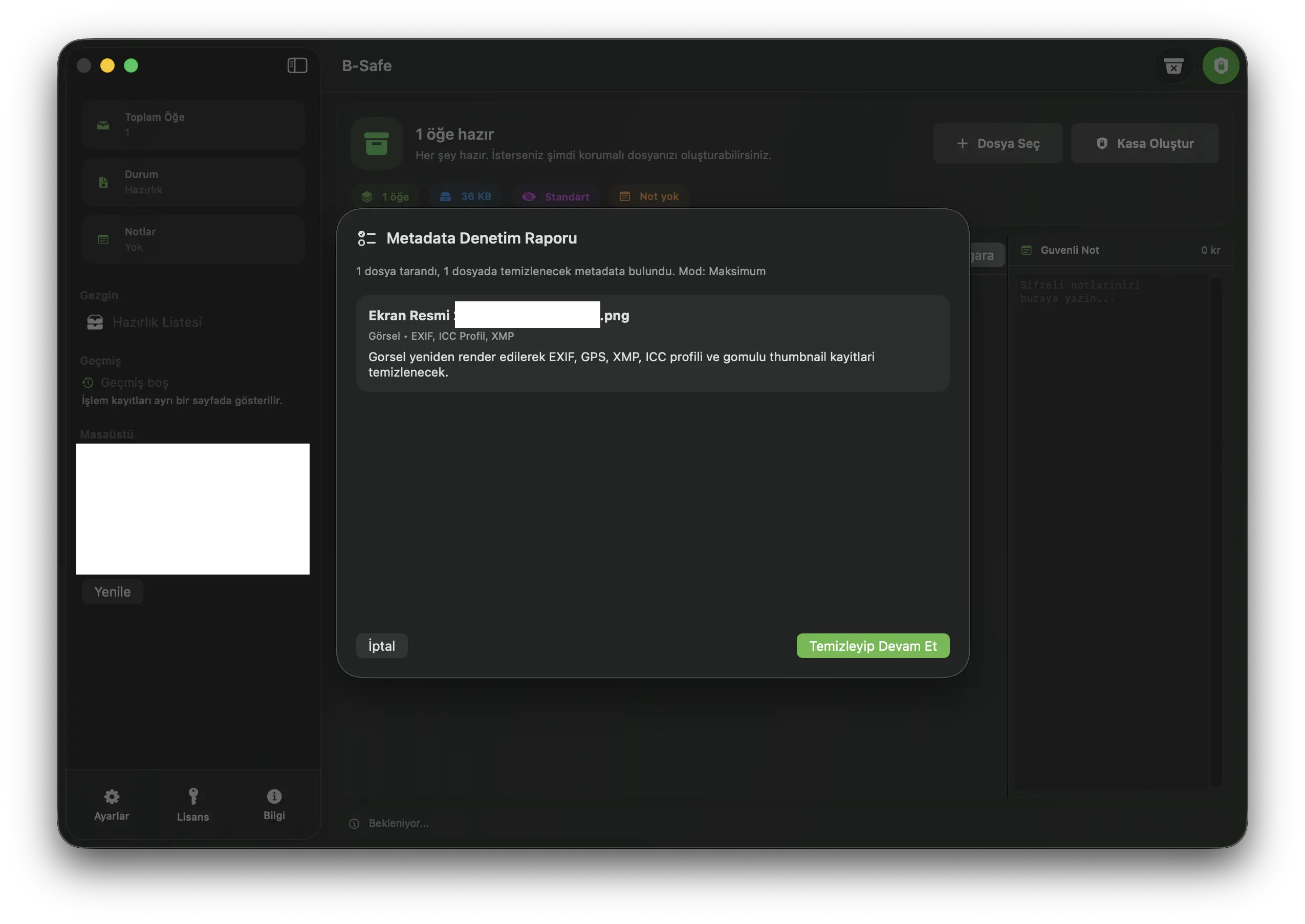
A simple-looking workflow built seriously for sensitive files.
Collect files and folders in one local vault with password, keyfile and integrity checks.
Create a second-password content layer and separate more sensitive files deliberately.
Show image, PDF, video and document metadata findings before packaging.
Balanced mode preserves quality; maximum mode uses a more aggressive cleanup approach.
Keeps operation records separate and makes interrupted jobs manageable again.
Combines Touch ID, auto-lock, controlled preview, health report and vault comparison.
B Safe combines macOS usability with layered local protection. At the same time, products like VeraCrypt and Cryptomator still have the advantage of longer security track records and broader ecosystems. This table is meant to explain product fit more honestly.
| Criteria | B Safe | VeraCrypt | Cryptomator | Keka / BetterZip |
|---|---|---|---|---|
| Product focus | Local vaults, hidden sections, metadata review and recovery workflows in one Mac app | Powerful, but closer to a technical container workflow | Clear vault experience for cloud folders | Archiving and compression convenience are the main focus |
| Layered access model | Main vault, hidden section, keyfile and Touch ID can work together | Strong container logic, but more manual in practice | Standard vault model without hidden-section behavior | Convenient archives rather than layered protection |
| Metadata and sharing hygiene | Audit reports and cleanup modes for images, PDFs, videos and OpenXML documents | Usually left to additional tools | Metadata cleanup is not the main product focus | Archive handling is strong; privacy audit/cleanup is not the core story |
| Workflow continuity | History Center, persistent Recovery Center, notification actions and health reports help recover unfinished work | Recovery often depends on user discipline | Sync-folder behavior is strong, but local job recovery is not the focus | Archive operations are practical, but recovery/workflow center is limited |
| Product feel | Technical depth with a calm UI, making security choices faster and clearer | Closer to power users | Clear in its niche | Practical, but less like a premium security product |
This comparison is a simplified positioning view based on the current feature set, macOS experience and the general product direction of well-known alternatives. It is not a claim of universal superiority.
Download the B Safe beta, try the core vault workflow and contact us directly for Pro licensing or support.
Build 3 · macOS 15.0 or later
Try the core vault flow
Advanced protection and reports
Usually within one business day
Try the core workflow for free. When you need more control, Pro unlocks hidden sections, metadata reports, Recovery Center and stronger privacy layers.
For users who want to try the app and use the core vault workflow.
A clean local-first entry point for collecting and organizing sensitive files more safely.
For users who want stronger privacy, clearer control and a more professional workflow.
Brings keyfiles, hidden sections, metadata reports, maximum privacy mode, Recovery Center and controlled preview into one plan.
Pro unlocks hidden sections, keyfiles, Touch ID, auto-lock, metadata audit reports, maximum privacy mode, persistent recovery queue, health reports and controlled preview.
Download B Safe to try the core workflow or contact us about Pro licensing.
Contracts, financial documents, client folders, private media archives, team notes and other sensitive files that need a clearer local workflow.
Files are handled on-device in the default workflow. Contact and licensing flows may use network access, but file content is not intended to be uploaded as part of normal use.
You can try the core vault flow and create a local organized vault experience.
Pro is better when you need hidden sections, keyfiles, Touch ID, advanced metadata reports, recovery and health checks.
It helps you notice and clean information that can remain inside images, PDFs, videos and document files before sharing.
You can start free. For Pro licensing, send a sales/license message through the contact form.
Send a message if you want details about the product, pricing or team usage.
Your message is received securely and only the information needed to respond is requested.